
Simple Black Stacked Displays
The black displays and hidden cabling keep the setup sleek and clutter-free, while a custom-cut

The black displays and hidden cabling keep the setup sleek and clutter-free, while a custom-cut
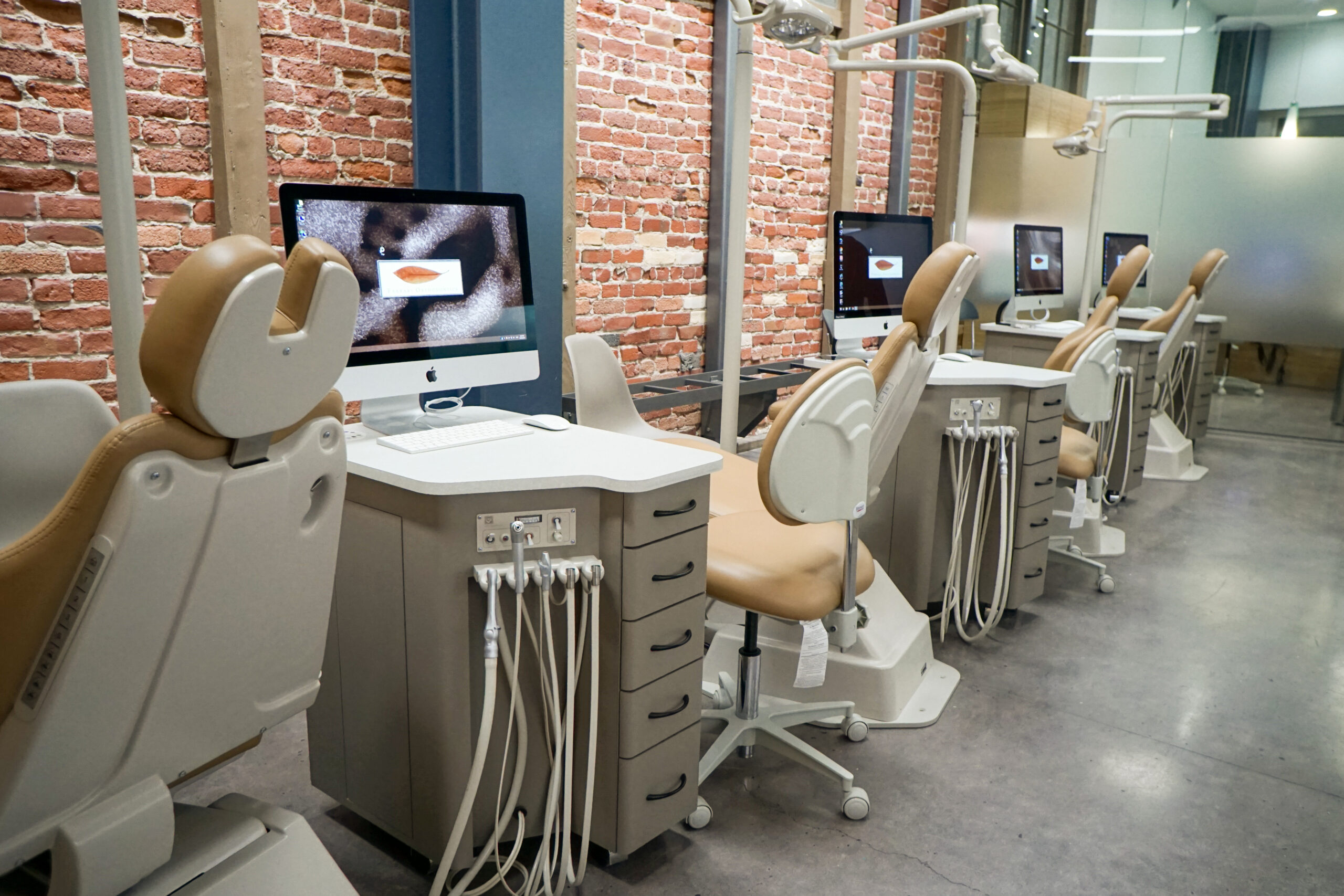
Apple iMACs or MacMini computers can be incorporated cleanly chairside. With Boot Camp or Parallels,

In an operatory bay, it can be difficult to see the screen depending on where

All-in-one chairside stations are great ways to consolidate hardware to save space. Having the entire
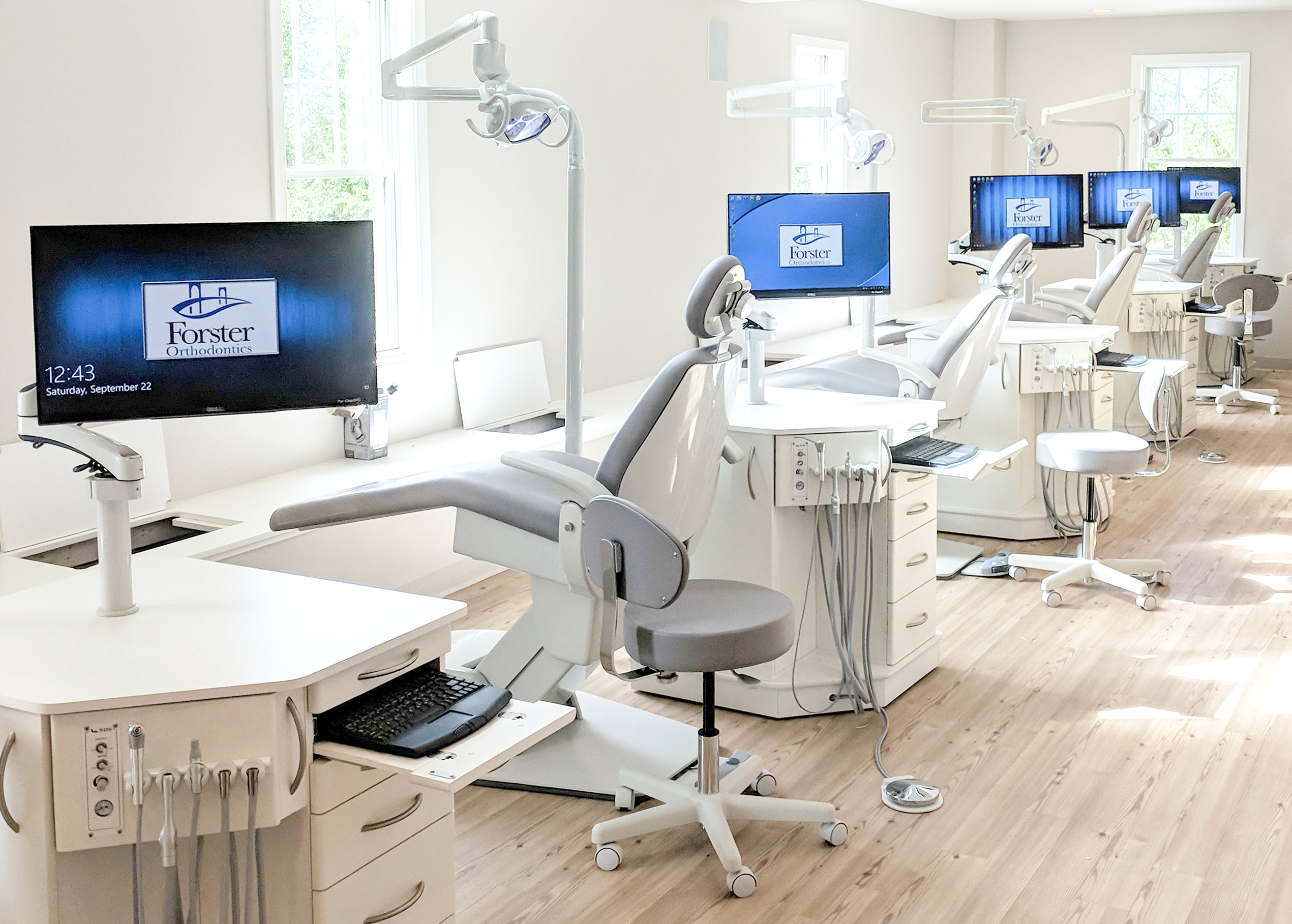
Eliminating the mouse can free up some additional workspace and add to clean aesthetics. Laptop
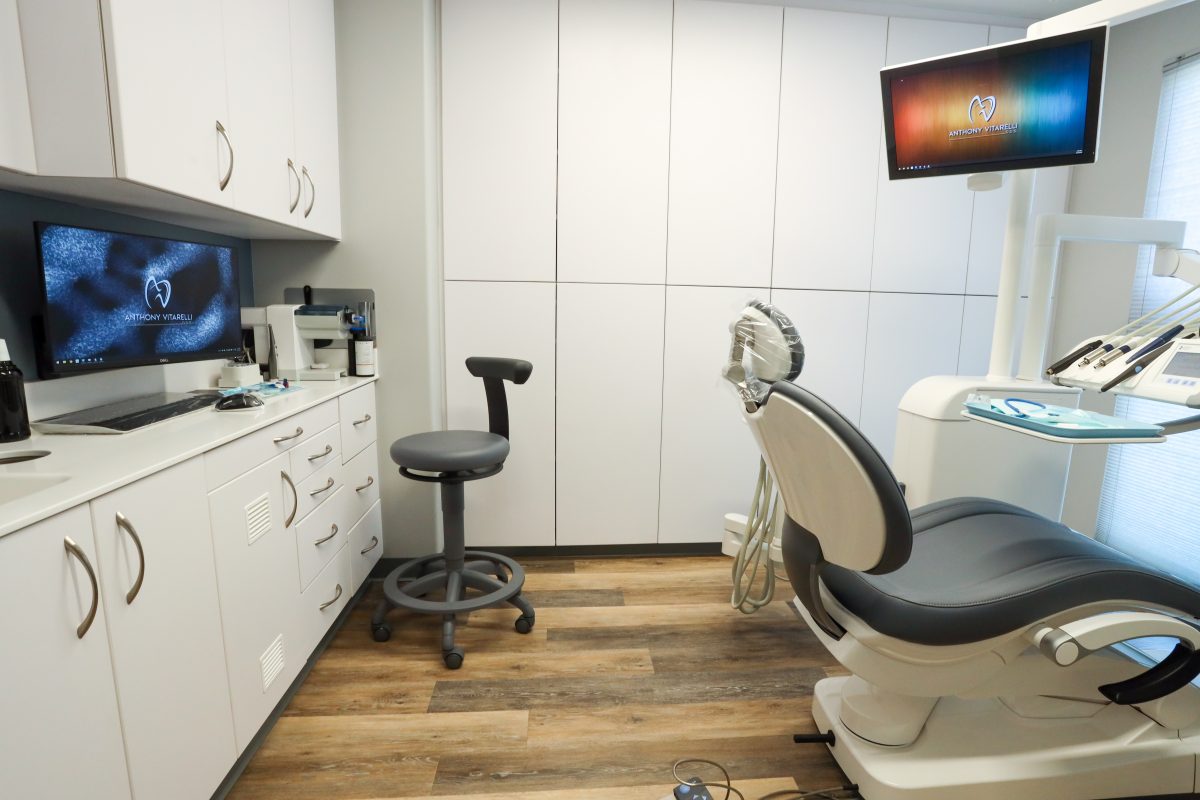
Dual monitors in the operatory bay can be useful to show patient information.
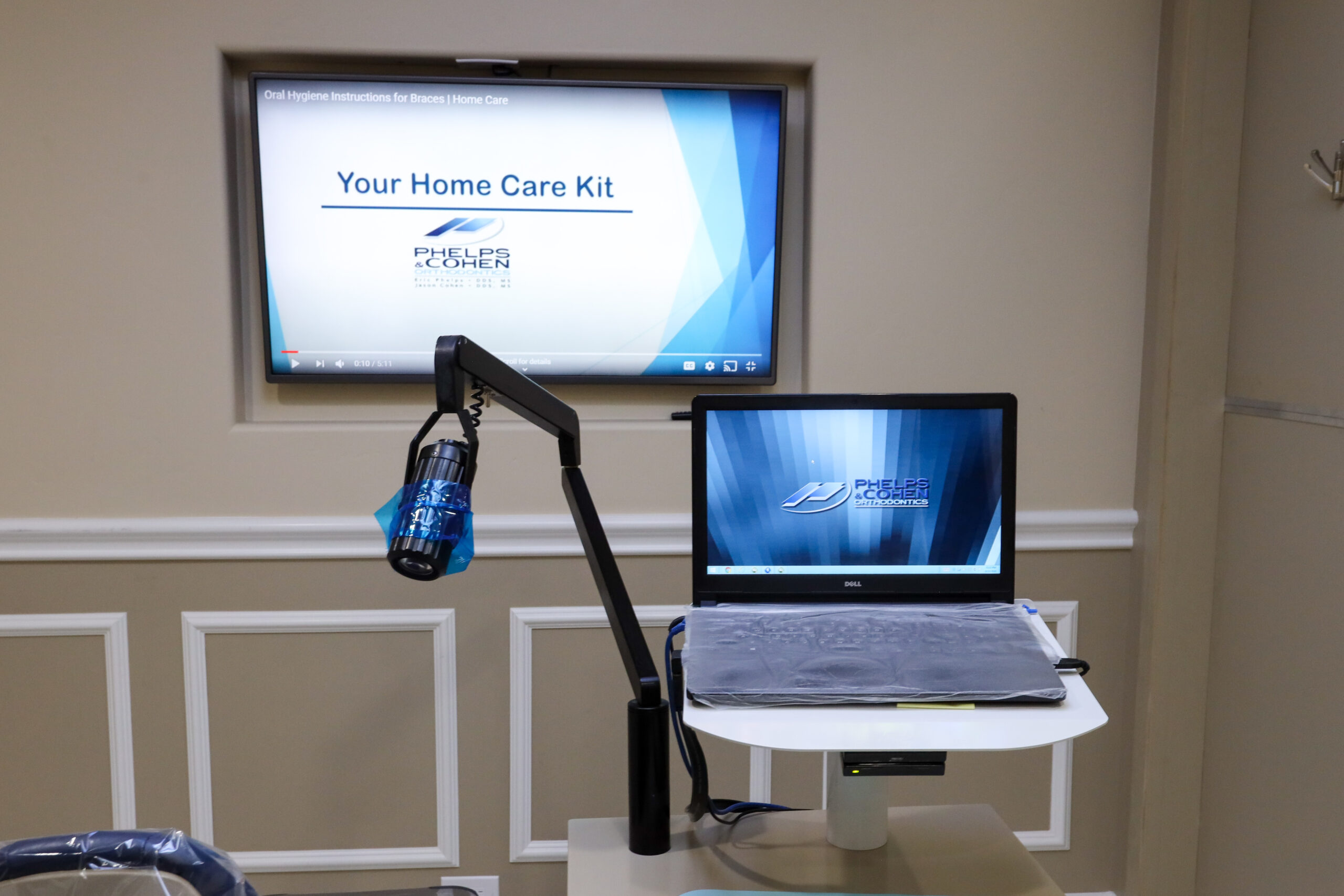
With careful planning, you can utilize your chairside station, in this case a laptop, to
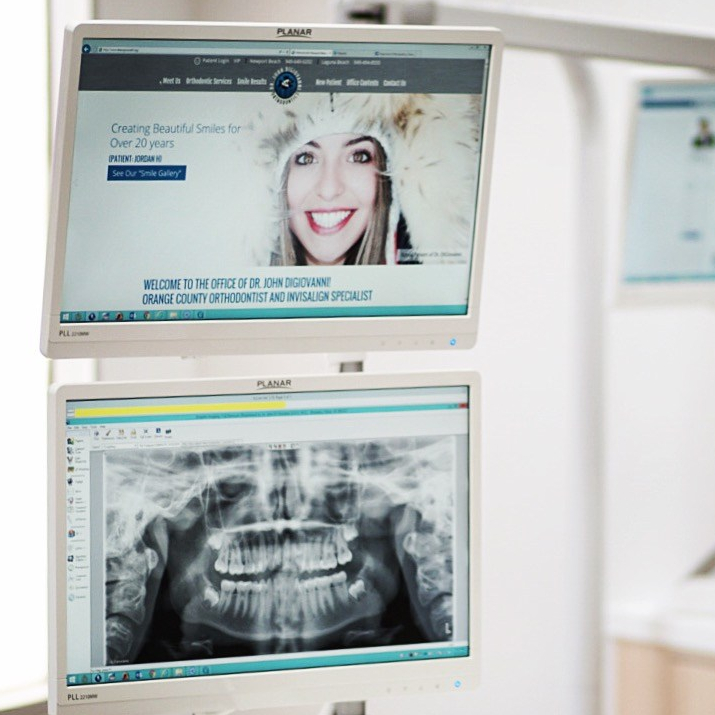
When coupled with white keyboards, mice and light monitor mounts can lead to a very
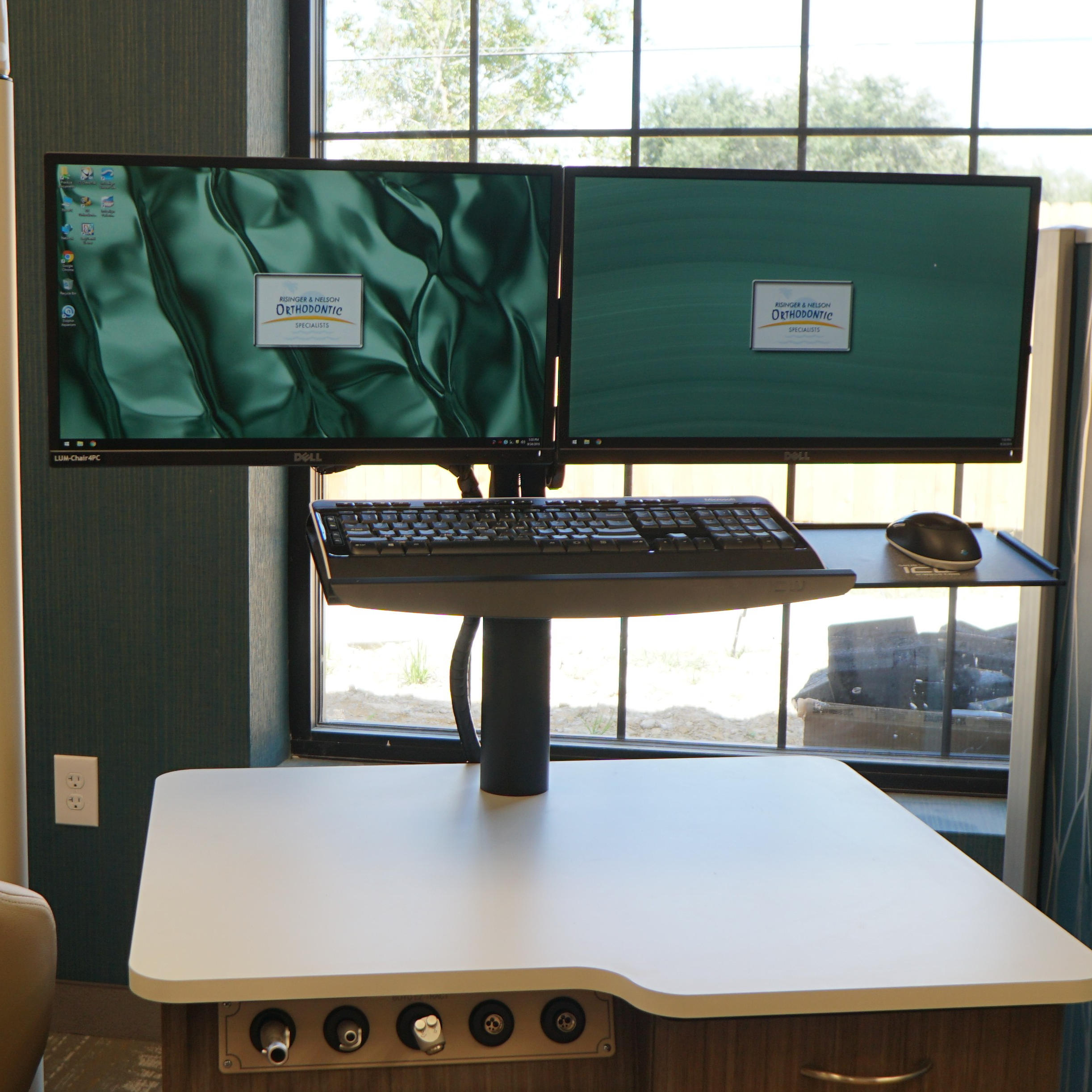
If you have the space, dual monitors at the chairside can make you more productive.
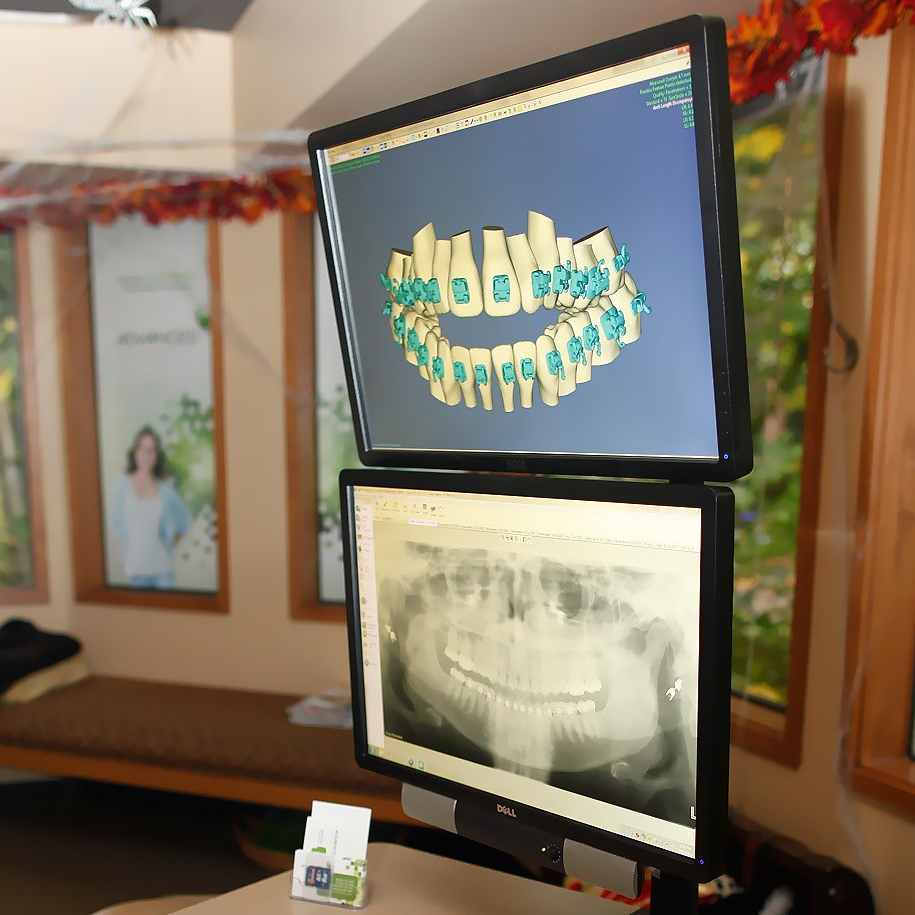
Stacking two monitors is a clean way to minimize the width of the chairside unit

The cleanest way to get double the computer desktop space is to use one of
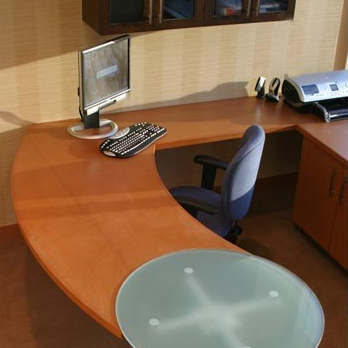
Consultation rooms server many purposes. From initial patient exams, training on treatment procedures to signing

Digital x-ray systems have been a staple in many orthodontic practices for many years and

The i-CAT™ FLX typically includes a dedicated capture/reconstruction server with a small touchscreen interface. Prior

CBCT and space planning requirements are key to keeping these areas clean and functional. We’ve
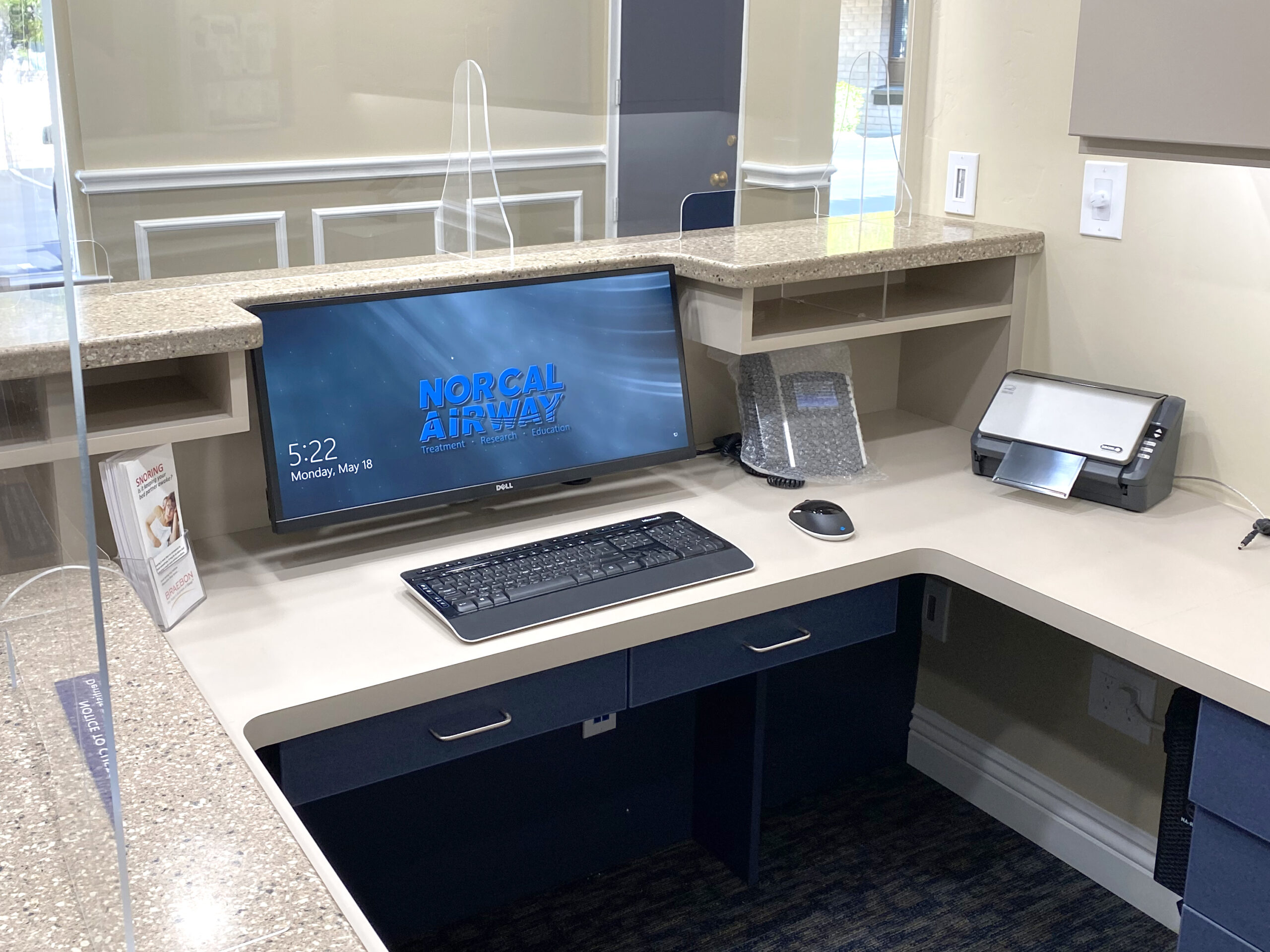
To maximize the desk surface, it may be beneficial to cut a notch out of
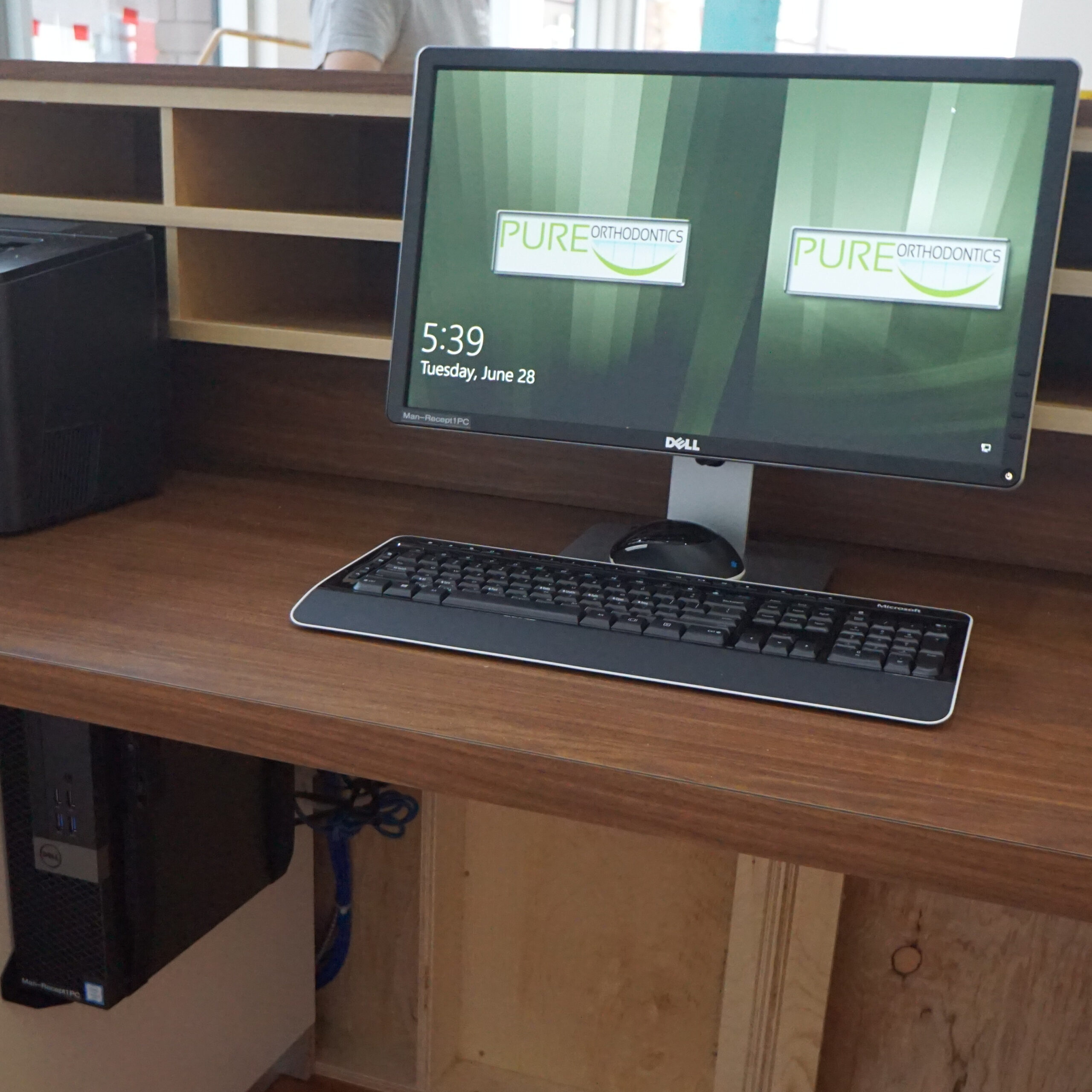
The reception staff and computers are some of the busiest stations at an office. We
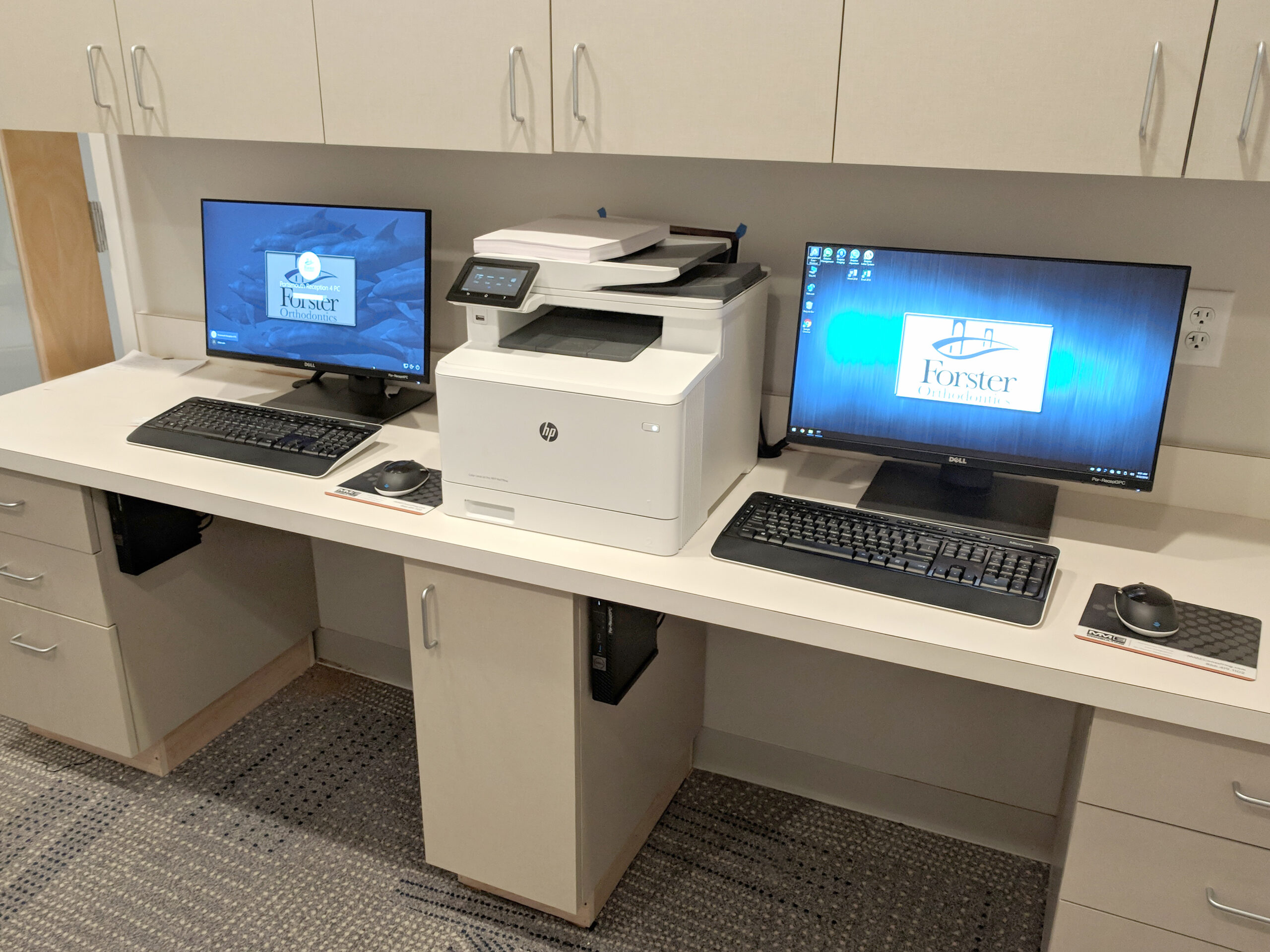
The back office area is a busy location where much of the behind the scenes
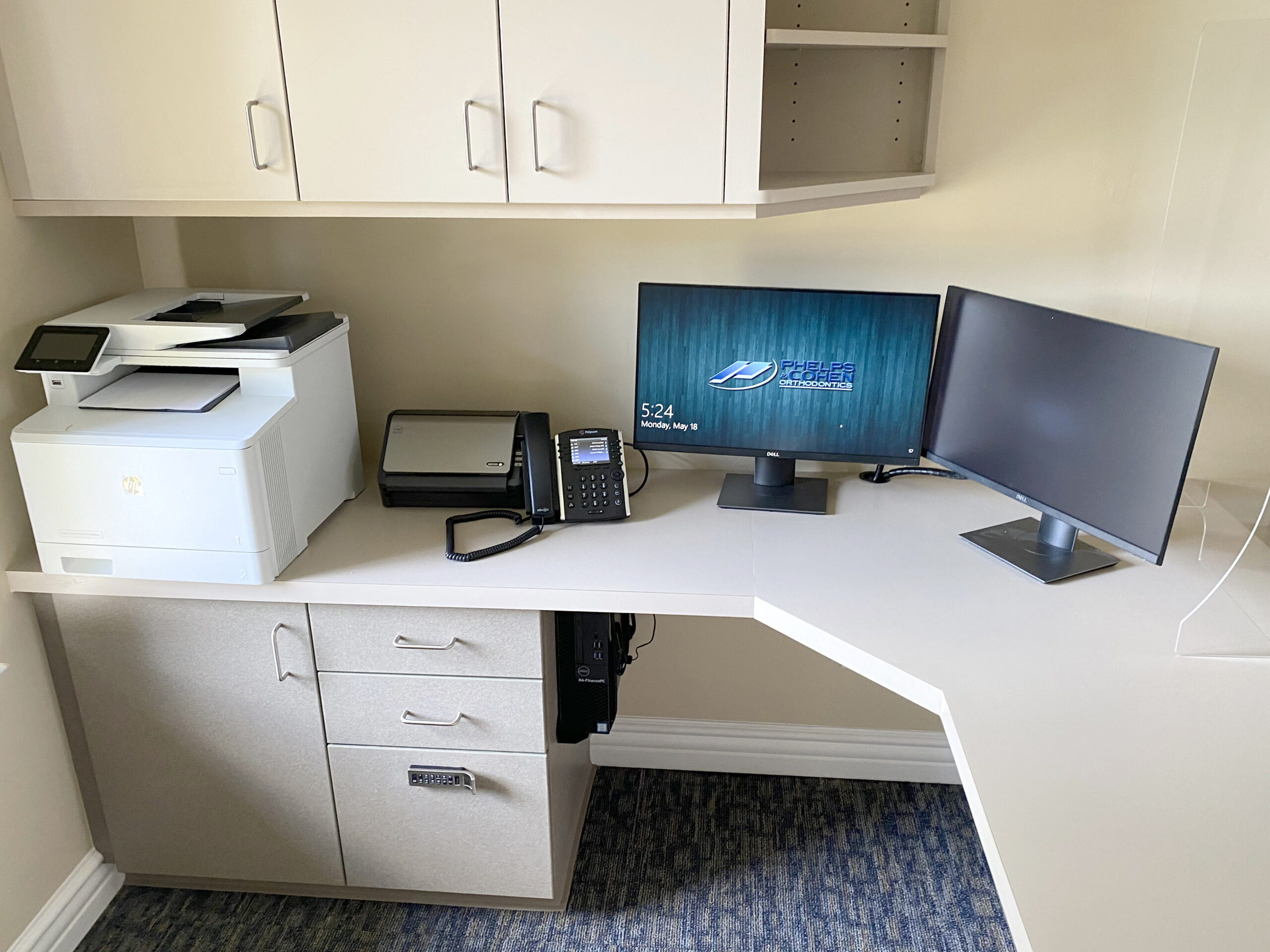
The financial staff benefit from having large work surfaces and with the ability to share
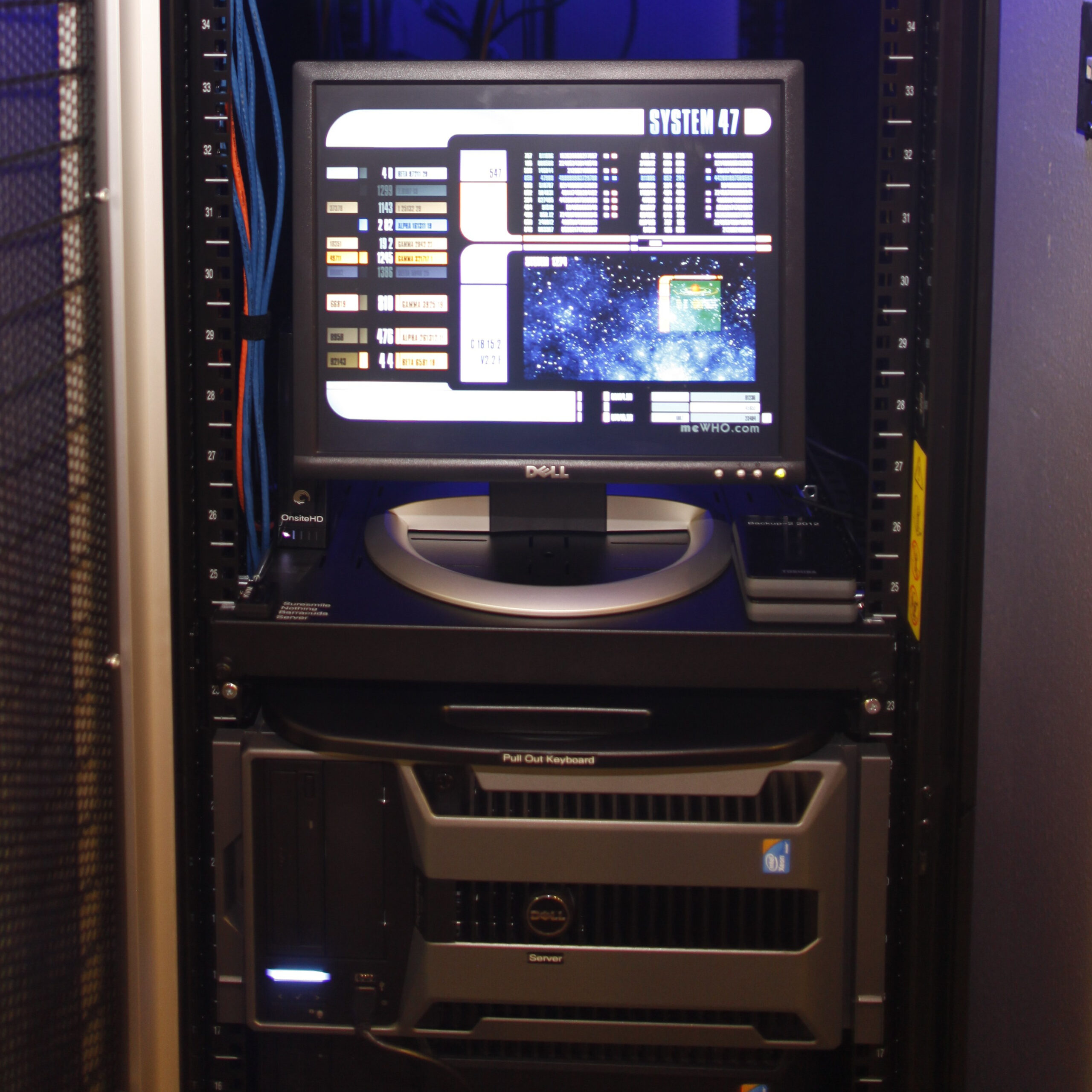
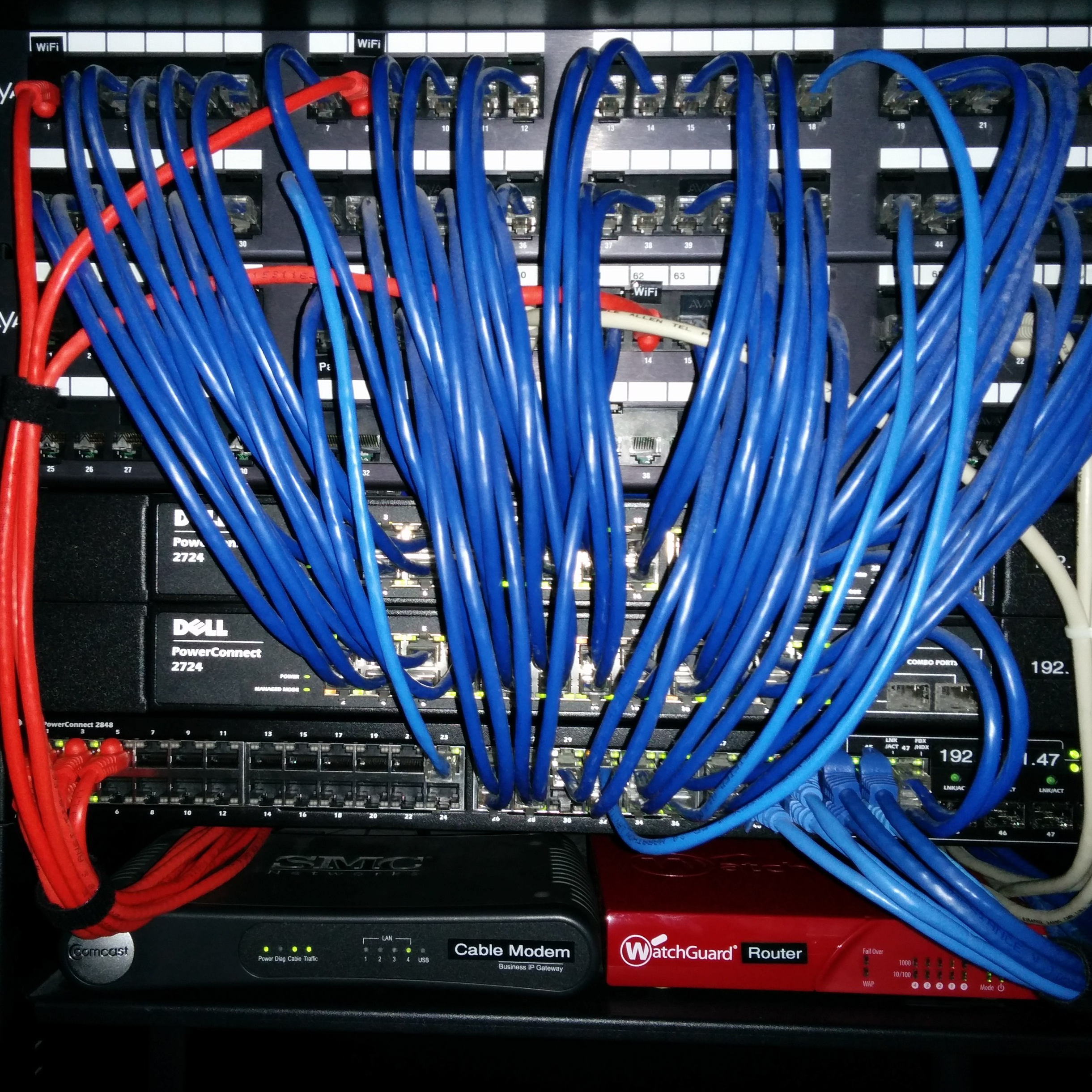
These important appliances connect all the devices of your network together. Keeping these updated and